IPTV App for Android TV Boxes A Comprehensive Guide to Installation and Features
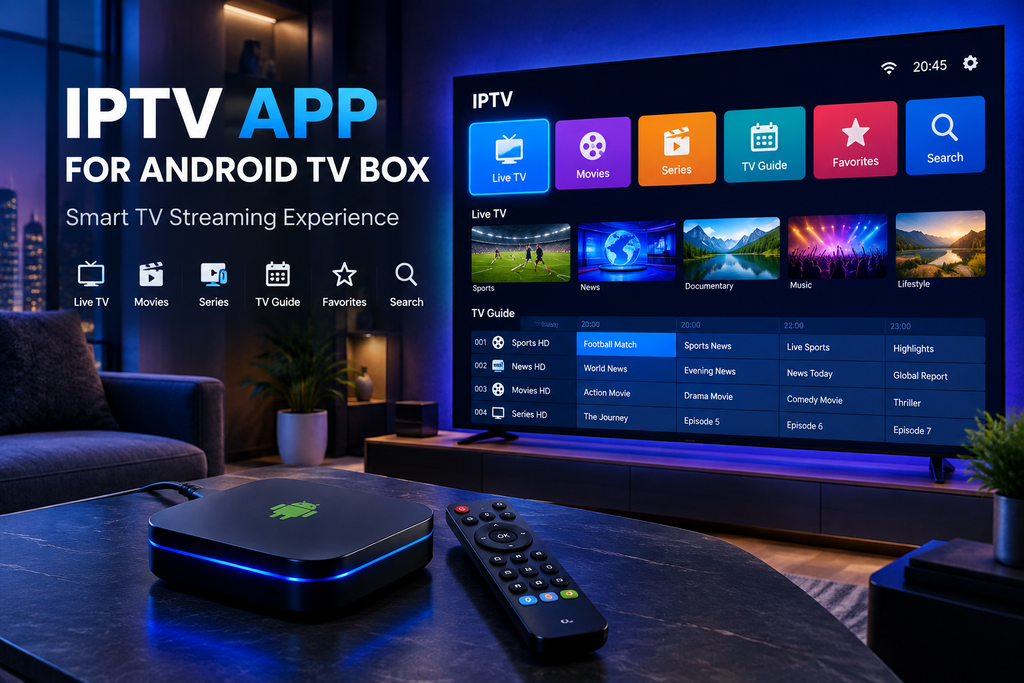
If you are constantly searching for the best IPTV app for Android TV Boxes, it is important to understand that the IPTV app itself is not the streaming service you are looking for rather, it is simply a tool to play the content provided by your chosen service. The app serves as a medium for loading your IPTV playlist and service data, while the actual movies, series, and channels come from the IPTV service provider you have selected. Naturally, choosing the right app makes a significant difference in terms of ease of use, playback stability, and the overall viewing experience you desire.
IPTV app for Android TV Boxes enjoy global popularity in the IPTV space because they combine a TV optimized interface with access to smooth, high quality apps designed specifically for large screens and remote controls. Furthermore, these devices allow you to download and manage a wide range of apps via the Google Play Store, offering applications you that are tailored to the TV navigation style and the Android TV Box ecosystem.
What Is an IPTV App for Android TV Box?
An IPTV app for your Android TV box allows you to stream your IPTV service content directly on your television interface. These apps enable you to load M3U or M3U8 playlists and use Xtream Codes (requiring four inputs: host, port, username, and password). They also support Electronic Program Guides (EPG), channel categorization into various groups and packages, and bookmarking features, while facilitating both live TV streaming and Video on Demand (VOD) access.
It is crucial to distinguish between services before purchasing an IPTV subscription, as there are many types available globally. Some services suffer from buffering or freezing issues while watching your favorite channels, or encounter errors when loading service data into the player. It is important to note that the player itself does not usually provide the TV channels; rather, it acts as a platform to display content from a specific service provider. For instance, many IPTV players on Google Play support M3U/M3U8 playlists, EPG data, and Xtream Codes (host, port, username, password) used to access the desired service. Understanding this distinction is vital; it allows you to select the right app based on technical specifications, rather than simply assuming that installing an IPTV player automatically grants access to the channels you wish to watch.
Why Use an IPTV App on an Android TV Box?
An Android TV box offers a unique and convenient environment for IPTV services, allowing you to manage everything directly from your television. Instead of relying on a computer or smartphone, you can use the remote control to browse various categories, select popular international and local channels, and search for your favorite programs all while managing your viewing experience before committing to a service subscription.
A well designed, high quality IPTV app simplifies this process by providing an interface that is clear and legible from a distance and menus that respond quickly to remote control commands. Channels are organized logically, and these apps specifically crafted for Android TV feature interfaces optimized for large screens and remote navigation, offering a superior experience compared to smartphone apps simply adapted for TV.
Another key advantage is flexibility the best media players and service providers allow you to organize live channels, movies, series, favorites, and electronic program guides (EPG) in one central location. Modern IPTV players also support features such as “catch up” viewing, picture in picture, Chromecast integration, and recording capabilities, though the availability of these features varies significantly across different apps and services.
Key Features to Look for in an IPTV App
When choosing an IPTV app for your Android TV Box, you shouldn’t focus solely on appearance the most important factors are compatibility, stability, ease of navigation, and playlist support, as well as how well the app integrates with your specific IPTV service. One of the most popular global apps is Smarters Pro it is user friendly and offers various input options such as fields for M3U links and Xtream Codes to ensure fast performance and an enjoyable viewing experience.
1. Android TV Compatibility
2. M3U and M3U8 Support
3. Xtream Codes Compatibility
4. Electronic Program Guide
5. Favorites and Categories
6. Fast Channel Switching
How to Choose the Best IPTV App for Android TV Box
There is no single IPTV app that is automatically the best for all users; there are numerous global IPTV services, and the ideal choice depends on your preferred provider, the device you use, technical requirements, and your preferred user interface.
Before installing an application, consider the following questions:
- Does it support your IPTV playlist format?
- Does it support M3U/M3U8?
- Does it support your provider’s login method?
- Does it work properly with Android TV?
- Is it comfortable to use with a remote control?
- Does it support EPG?
- Can you create favorites?
- Does it organize channels into categories?
- Does it support VOD if your service provides movies and series?
- Is it regularly updated?
- Is it available through an official app store?
- Does the application clearly explain what information it collects?
- Does the developer provide support or documentation?
These questions are often more useful than simply looking for the app with the highest number of downloads, provided it offers good features and information to users.
How to Install an IPTV App on an Android TV Box
Installing apps from the Google Play Store is very easy start by opening the store on your Android TV device and signing in to your account. Then, navigate from the main menu to the Apps section, search for your desired IPTV app, select it, and click the “Install” button. While Google recommends using the Play Store to browse and install apps on Android TV devices, you can also download apps from other websites via a web browser. Once installation is complete, you can open the app and finish setting it up. Another method for installing apps involves using a smartphone, tablet, or computer to download and install the app onto your device.
Basic Installation Process
The general process is:
- Turn on your Android TV box.
- Connect it to the internet.
- Open Google Play Store.
- Search for your preferred IPTV player.
- Check its compatibility and features.
- Select Install.
- Open the application.
- Add your legitimate IPTV playlist or account details.
- Wait for the channels or categories to load.
- Test several channels to confirm everything works correctly.
The advanced settings screen varies from one IPTV player to another this variation is due to the wide range of available IPTV players.
How to Add an IPTV Playlist
After installing an IPTV player on your device, you will typically need to connect it to your IPTV service.
Depending on the application, you may be presented with options such as:
M3U Playlist:
Enter or import the M3U playlist URL link provided by your service provider into the application you wish to use.
Xtream Login:
Enter the server address, username, and password provided by your IPTV service into the appropriate fields, and pay close attention when entering the password.
EPG URL:
Some service providers offer a separate URL for the Electronic Program Guide (EPG) that can also be entered into the application.
Always use the credentials and playlist links provided by your authorized IPTV service provider, and avoid using unknown playlists from random, untrusted websites, as their content, security, reliability, and legality cannot be guaranteed.
IPTV App vs IPTV Subscription: What’s the Difference?
This is a crucial concept for new IPTV users the IPTV app is the software used to display channels and organize the stream, whereas the IPTV subscription refers to the paid service or content source that grants access to channels and other programming. You can think of the IPTV app as your interface and the subscription as the content source simply installing the app player does not automatically grant access to TV channels, movies, or series. However, the IPTV app remains highly valuable even if it is not the channel provider itself, as it offers a convenient environment for managing content from a compatible service provider.
Best IPTV App Features for Movies and Series
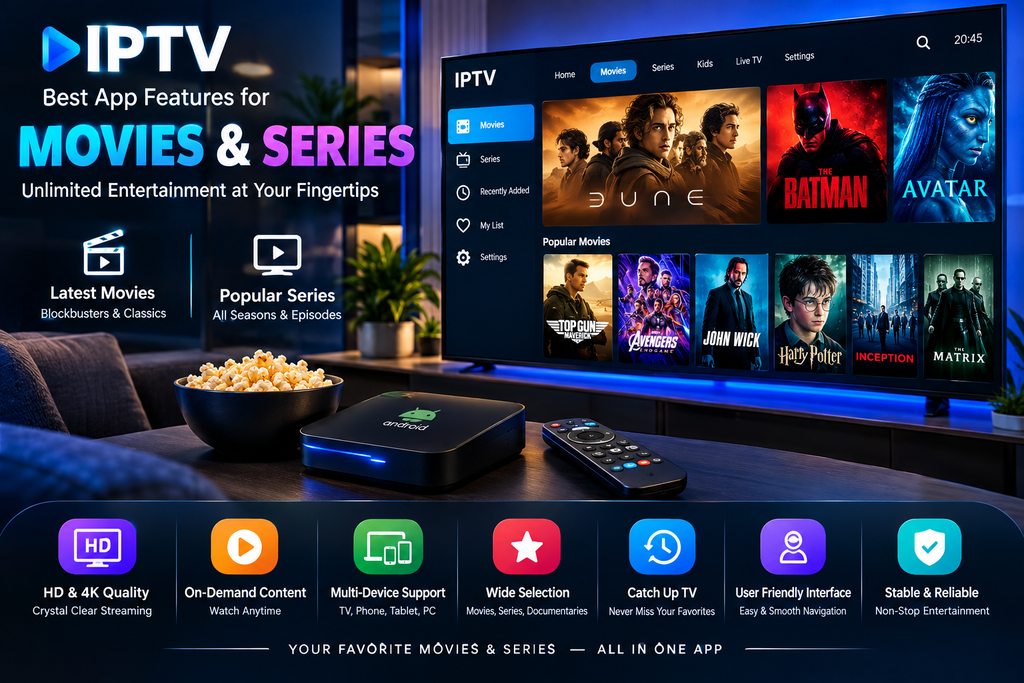
If you primarily use your Android TV to watch movies and series, look for an IPTV player that efficiently handles Video on Demand (VOD) content. Since there are both free and paid apps available, choose a reliable one to ensure smooth, trouble free playback.
Useful features may include:
- Movie categories
- Series categories
- Search
- Favorites
- Cover artwork
- Descriptions
- Multiple languages
- Subtitles
- Resume playback
- Fast navigation
- Recently watched content
Some types of applications combine live TV streaming and video on demand within a single interface, while others focus primarily on playlist playback furthermore, current Google Play listings indicate that some IPTV players support both live TV and video on demand.
IPTV Apps and Picture Quality
Installing a high quality IPTV app even one boasting excellent features does not automatically convert low quality broadcasts into 4K resolution the final image quality depends on several factors, most notably.
These include:
- The original stream quality
- Your IPTV provider
- Internet bandwidth
- WiFi or Ethernet stability
- Android TV box hardware
- Video codec compatibility
- Display resolution
- Server performance
- Network congestion
For the best possible experience before subscribing, using a wired Ethernet connection is recommended if your Android TV device supports it however, you can also connect via WiFi A WiFi connection can perform very well when the signal is strong and the network is not congested.
How Much Internet Speed Does IPTV Need?
There is no single standard for required bandwidth, as different streams utilize varying bitrates depending on quality standard definition streams require less bandwidth than high definition ones, whereas Full HD and 4K streams demand significantly more. It is also important to reserve additional bandwidth for other devices sharing the same network.
More importantly, speed is not the only factor a connection with a high advertised download speed can still result in poor IPTV performance if it suffers from instability, packet loss, interference, or inconsistent latency. Consequently, users experiencing buffering issues should examine their internet connection and the IPTV source, rather than assuming the application itself is directly at fault.
Common IPTV Problems on Android TV Boxes
Even with a good IPTV player, users can encounter occasional problems.
1-/ Buffering
Buffering issues may occur due to insufficient bandwidth, an unstable WiFi connection, overloaded IPTV servers, network congestion, or problems with the broadcast itself.
To troubleshoot the issue, try switching from WiFi to a wired Ethernet connection if possible, restart your router, try a different channel, and check whether the problem affects all channels or only specific ones.
2-/ Channels Not Loading
If you open the app but the channels fail to load, verify that the playlist URL or login credentials are correct you may have entered the information improperly. You should also check that your IPTV subscription is still active so you can identify and resolve the issue immediately.
3-/ EPG Not Showing
If the channels are working but program information is missing, the issue may lie with the Electronic Program Guide (EPG) source rather than the application itself. Ensure that the service provider has supplied the correct guide data and that it is compatible with the application, or check whether the service provider no supplies guide information at all.
4-/ Application Freezing
If the IPTV app freezes frequently, try restarting the application and Android TV box. Check for application updates through Google Play and make sure your device has sufficient available storage.
If your IPTV app frequently stops responding (freezes), try restarting the app on your Android TV, checking for updates via the Google Play Store, and ensuring there is sufficient storage space on your device to prevent freezing issues. Google provides an official method for updating Android TV apps through the “My Apps” section of the Google Play Store, including an option for automatic updates.
5-/ Remote Control Problems
Some IPTV apps are designed primarily for smartphones and may not offer an ideal interface for televisions therefore, choosing an app specifically optimized for Android TV ensures a much better navigation experience when using a remote control, and there are many excellent apps available in app internationl stores .
Is It Better to Use an IPTV App From Google Play?
For most users, downloading an IPTV player from the Google Play Store is a convenient starting point, as the store offers a simple, standardized installation process and compatibility information Google also recommends checking ratings and reviews and provides mechanisms for reporting apps deemed harmful However, availability on an official store does not guarantee an app is perfect you should always verify developer details, permissions, reviews, update history, and advertised features before installation to avoid potential issues or harm to your device.
Should You Install IPTV APK Files Manually?
Users sometimes search for an IPTV app APK file for Android TV boxes because the desired app is unavailable in their region or not listed for their specific device. While manually installing APK files can be useful in certain situations, it requires extra caution a file obtained from an unknown source could be modified, malicious, or compromised. Therefore, if you decide to install software from outside the official app store, ensure the APK comes from a trusted source and is designed for your device. Once you have verified these details, you can download and install it without potential issues. Generally, however, the simplest option remains using the official version compatible with your device, available via the Google Play Store.
How to Improve IPTV Performance on Android TV Box
A few practical adjustments can improve the overall experience.
- First, keep your Android TV box and IPTV application updated. Software updates can improve compatibility and resolve bugs.
- Second, use a reliable internet connection. If your router is far from the TV box, consider improving Wi-Fi coverage or using Ethernet.
- Third, close unnecessary applications when the device has limited memory.
- Fourth, avoid filling the device’s storage completely. Maintaining reasonable free storage can help the device operate more comfortably.
- Finally, if only one or two channels buffer while other channels play normally, the problem may be related to those individual streams rather than your Android TV box.
Security and Privacy Considerations
Security should not be ignored when choosing an IPTV app.
Before installing any application, consider:
- Who developed it?
- Where did you download it?
- What permissions does it request?
- Is the developer identifiable?
- Is the app regularly updated?
- Does it clearly explain its privacy practices?
- Are user reviews consistent with the application’s description?
Exercise extreme caution when dealing with unofficial APK sites that promise free “Premium” apps; downloading from these sources can expose users to modified software, intrusive ads, credential theft, and other security risks.
Never share your IPTV service username and password with an unknown third party simply because an app claims it will enhance your viewing experience doing so could result in the total loss of your subscription details due to the untrusted app you used.
Legal and Responsible IPTV Use
IPTV technology itself serves as a medium for transmitting television content such as diverse international movies, series, and video clips over the internet. However, the legality of any specific IPTV service depends on the nature of the content being broadcast, licensing arrangements, and the laws applicable in the relevant country.
Consequently, using an IPTV application does not necessarily guarantee that all streaming sources accessed via the technology are lega users must exercise caution when downloading an app. Furthermore, users should select service providers and content sources that hold the necessary rights to broadcast the programs they offer to customers.
An IPTV player may be entirely legal yet still be used to access unauthorized content the decisive factor here is the source of the content, not merely the existence of the player itself.
Frequently Asked Questions
What is the best IPTV app for Android TV box?
The best choice depends on your IPTV service provider and your specific requirements you should select an app that supports your playlist or login method, offers an interface optimized for the TV screens or devices you intend to use, and works efficiently with the remote control, while also providing features such as a “Favorites” list and an Electronic Program Guide (EPG) when needed.
Can I use an M3U playlist on an Android TV box?
Yes, provided that your chosen IPTV player supports M3U or M3U8 playlist formats indeed, many IPTV players designed for various Android TV devices currently advertise support for these globally popular formats.
Does an IPTV app provide channels automatically?
There are many IPTV player applications designed to play content provided by the user or an IPTV service provider notably, some app listings on the Google Play Store specify that the app itself does not provide content, requiring the user to supply their own playlist.
Can I watch IPTV in 4K?
Yes, provided that the IPTV service provider offers a compatible 4K stream and that your Android TV device, network, application, and television all support the necessary high resolution and codecs simply installing an IPTV app does not guarantee 4K playback.
Why does IPTV keep buffering?
These potential causes may include an unstable internet connection, a weak home WiFi signal, network congestion, insufficient device specifications, or issues with the IPTV stream or the server itself furthermore, trying different channels can help determine whether the problem is local or related to the broadcast itself.
Can I install IPTV apps from Google Play?
Yes, Android TV supports downloading apps via Google Play, and Google provides built in tools for searching, installing, updating, and uninstalling compatible apps. Since there are many apps available on the Google Play Store, be sure to choose the best and most popular app based on reliability.
Conclusion
Choosing the right IPTV app for an Android TV Box involves more than just finding an attractive interface it requires striking the optimal balance between compatibility, simplicity, smooth performance, and available features. A high quality IPTV player should facilitate connecting to your chosen IPTV service, organizing channels, accessing Electronic Program Guide (EPG) information, searching for content, and navigating seamlessly using the TV remote control. Before installing any app, ensure it supports the playlist format or login method provided by your service provider, verify its compatibility with Android TV and its features, and always download the software from a trusted source whenever possible.
The Google Play Store offers an easy way to find and install compatible Android TV apps, with filtering options that help identify apps designed for specific device types. Most importantly, remember that an IPTV player and an IPTV service are distinct entities the player provides the viewing interface, while the provider supplies the actual content and channel lineup. By combining a reliable IPTV service, a suitable IPTV app for your Android TV Box, a stable internet connection, and compatible hardware, you can enjoy a seamless, convenient TV streaming experience and watch global channels anytime.