How to Install STRONG4K PRIME IPTV Easy Step by Step Guide (Complete & Detailed)
install strong4k peime iptv (Internet Protocol Television) has transformed the way people watch TV, offering thousands of live channels, movies, and series over the internet instead of traditional satellite or cable. Whether you’re a beginner or looking to improve your setup, this comprehensive guide will walk you through everything you need to know about installing IPTV on all devices.
What is IPTV?
IPTV stands for Internet Protocol Television, a system where television services are delivered using the internet rather than traditional broadcasting methods. With IPTV, you can stream:
- Live TV channels
- Movies and TV shows (VOD)
- Sports events
- International content
All you need is a stable internet connection and a compatible device.
Requirements Before Installing IPTV
Before starting the installation process, make sure you have the following:
1. Stable Internet Connection
- Minimum speed: 10 Mbps
- Recommended: 20+ Mbps for HD/4K streaming
2. IPTV Subscription
You need an active IPTV subscription that provides:
- M3U URL or Xtream Codes (Username, Password, Server URL)
3. Compatible Device
IPTV works on many devices, including:
- Smart TVs (Samsung, LG)
- Android TV / Google TV
- Firestick / Fire TV
- Smartphones (Android & iOS)
- Windows / Mac computers
How IPTV Works
IPTV uses your internet connection to stream media directly from servers. Instead of downloading files, content is delivered in real-time, giving you instant access to channels and on-demand content.
1. Install IPTV on Android Devices (Phones, TV Boxes)
Step 1: Download IPTV App
Go to the Google Play Store and install one of these apps:
- IPTV Smarters Pro
- TiviMate
- XCIPTV Player
Step 2: Open the App
Launch the app after installation.
Step 3: Add IPTV Credentials
Choose one of the following login methods:
- Xtream Codes Login
- Username
- Password
- Server URL
OR
- M3U Playlist URL
Step 4: Load Channels
Click “Login” or “Add User” and wait for channels to load.
Step 5: Start Watching
Browse categories like:
- Live TV
- Movies
- Series
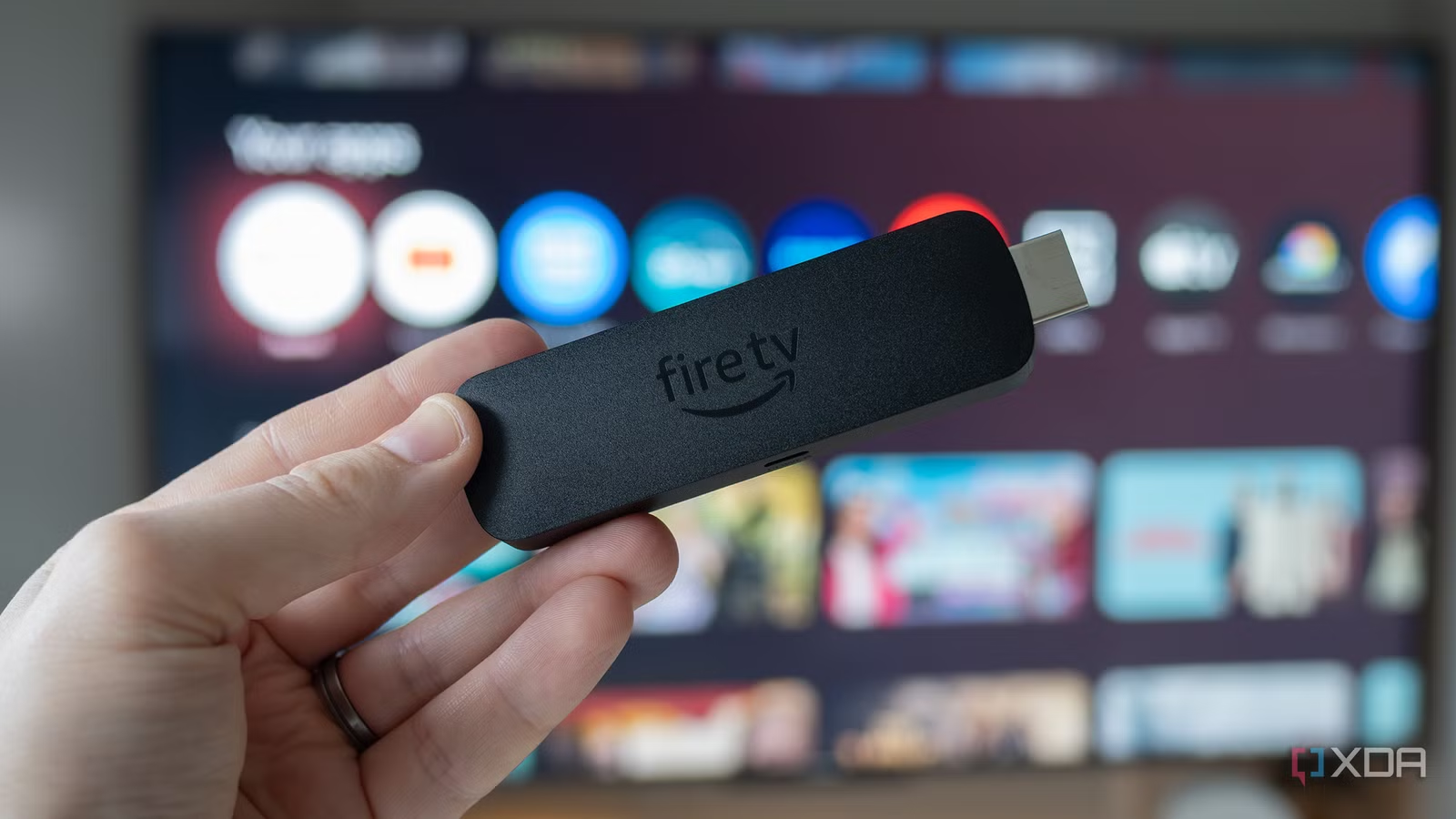
2. Install IPTV on Firestick / Fire TV
Step 1: Enable Unknown Sources
- Go to Settings
- Select My Fire TV
- Click Developer Options
- Enable “Apps from Unknown Sources”
Step 2: Install Downloader App
Search for Downloader in the Amazon Store and install it.
Step 3: Download IPTV App
- Open Downloader
- Enter IPTV app URL (provided by your provider)
- Install the APK file
Step 4: Login
Enter your IPTV credentials (M3U or Xtream Codes).
3. Install IPTV on Smart TVs (Samsung & LG)
For Samsung Smart TV
- Open Smart Hub
- Search for IPTV apps like:
- Smart IPTV
- IPTV Smarters
- Install the app
- Upload your M3U playlist via the app website
For LG Smart TV
- Open LG Content Store
- Search IPTV apps
- Install and open
- Add playlist or login details
4. Install IPTV on Windows / Mac
Step 1: Download IPTV Player
Install one of the following:
- VLC Media Player
- MyIPTV Player
- IPTV Smarters
Step 2: Add Playlist
- Open the app
- Paste your M3U URL
Step 3: Stream Content
Start watching channels instantly.
5. Install IPTV on iPhone / iPad (iOS)
Step 1: Download App
Go to App Store and install:
IPTV Smarters
GSE Smart IPTV
Step 2: Add IPTV Details
Enter M3U URL or Xtream Codes
Step 3: Enjoy Streaming
Browse and play content easily.
Best IPTV Apps for All Devices
Here are some of the most popular IPTV apps:
IPTV Smarters Pro (Beginner-friendly)
TiviMate (Best for Android TV)
VLC Media Player (Free option)
XCIPTV Player (Modern interface)
Common IPTV Installation Issues & Fixes
1. Channels Not Loading
Check internet connection
Verify M3U URL or login details
2. Buffering Issues
Use faster internet
Connect via Ethernet instead of Wi-Fi
Use VPN if ISP throttling occurs
3. App Not Working
Clear app cache
Reinstall the app
Update to latest version
Tips for Better IPTV Experience
Use a VPN for privacy and stability
Choose a high-quality IPTV provider
Keep apps updated
Use wired internet for best performance
Avoid overloading with multiple connections
IPTV Safety & Legal Considerations
While IPTV technology itself is legal, the legality depends on the content provider. Always:
Choose licensed IPTV services
Avoid suspicious or extremely cheap subscriptions Protect your data with a VPN
Advantages of IPTV
Affordable compared to cable
Thousands of channels worldwide
On-demand content anytime
Multi-device compatibility
High-quality streaming (HD/4K)
Conclusion
Installing IPTV is simple once you understand the process. Whether you’re using a Smart TV, Firestick, smartphone, or computer, the steps are straightforward:
Install an IPTV app
Enter your subscription details
Load channels
Start streaming
With the right setup, IPTV offers a powerful and flexible way to enjoy entertainment from around the world.
